Upload your game files
ACBLscore/ACBLlive: select both .BWS and .PBN together (hold Cmd/Ctrl). EBU/USEBIO: drop the .XML file.
Where do I find these files?
On your game's page at ACBL Live for Clubs, download both files using the links in the top-right Reference Data section:
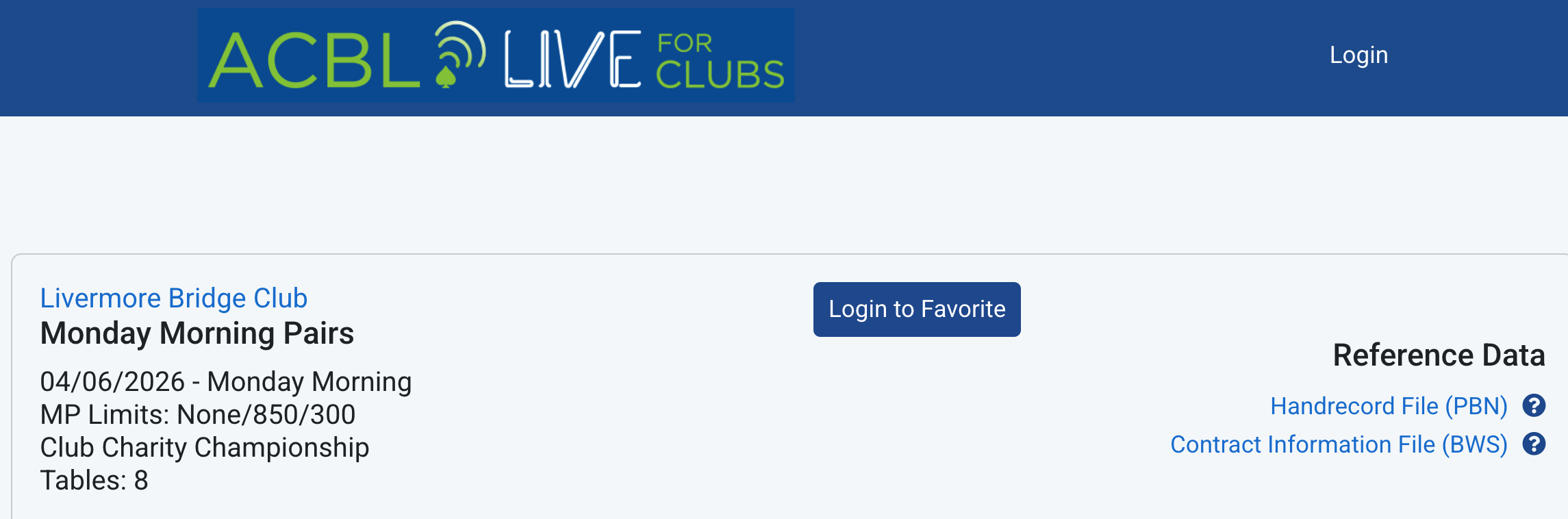
Then click Choose Files above and select both files from your Downloads folder.
Who should we track?
No tracked players found. Select the players you'd like to save history for, then start the batch. You only need to do this once — they'll be tracked automatically going forward.